


LargeDataExplorer
Fast and powerful package for preliminary exploration of large datasets. (Full Package Information)
Installation & Loading
# install.packages("devtools")
library(devtools)
devtools::install_github("nietodaniel/LargeDataExplorer")
library(LargeDataExplorer)
Variable exploration & classification, and descriptive statistics
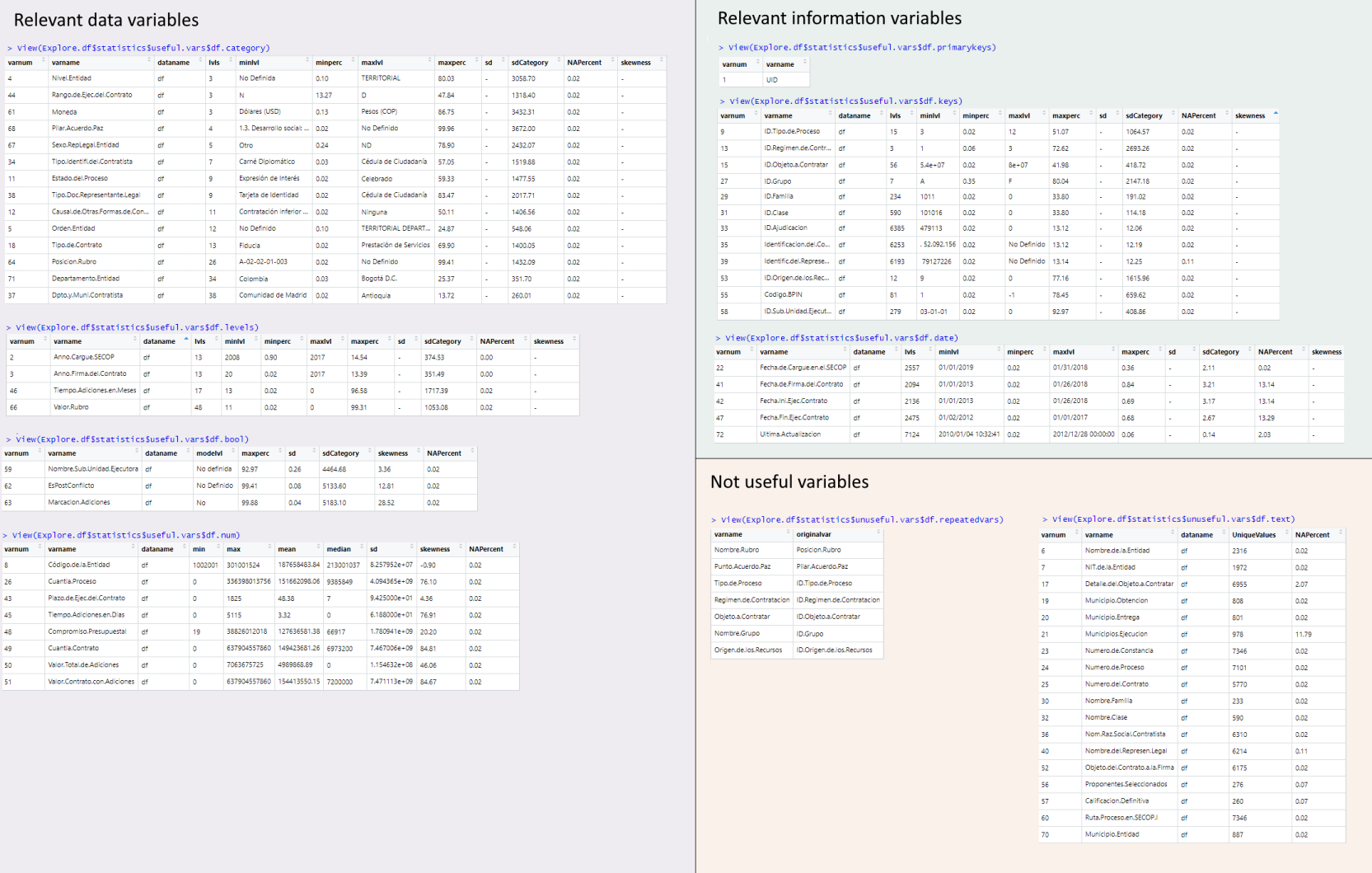
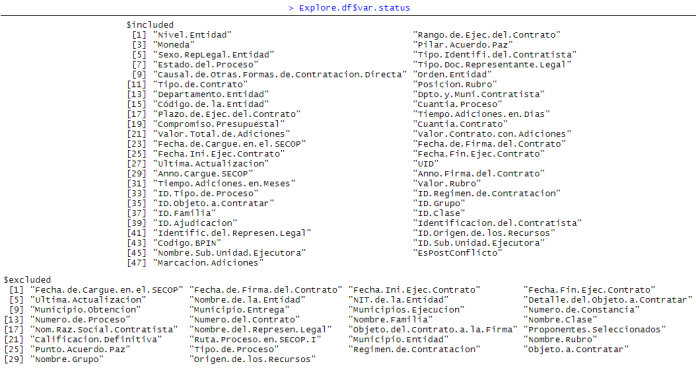
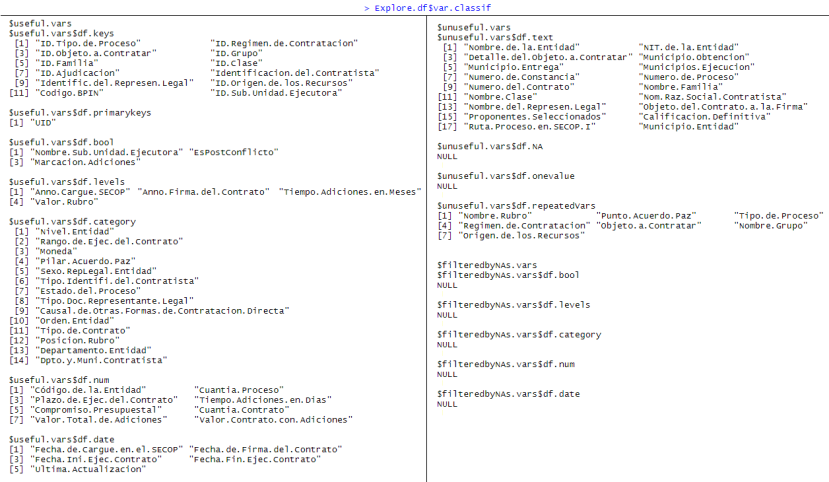
LDE.Explore() classifies variables of a data.frame by type (bool, categorical, text, numeric, key, etc) and assess whether variables are useful or not for analytics (E.g. Na-only, 1-value only, plain text types are not useful) and if there's a NA threshold that should be reason of exclusion. Descriptive statistics are generated for each variable.
df<-secop1.full                                                                            #secop1.full and secop1.multas are example datasets of government purchases included in this package. See full package info

keyNamesMatch <- c("key","id")                                                             #Variable names that start or end with these strings will be asigned as keys. E.g. c("key","id,"code"). String vector, or NULL to ignore.
Explore.df <- LDE.Explore(df,keyNamesMatch) #To set a NA limit. You can use LDE.Explore(df,keyNamesMatch,maxNARate). Numeric values between 0-1 are permited| Explore.df$statistics | Explore.df$var.status | Explore.df$classif |
|---|---|---|
 |
 |
 |
Automatical exploration, variable filtering & re-formatting
LDE.AutoProcess() automatically fixes the variable types and excludes variables based on the criteria of LDE.Explore()
df<-secop1.full
Auto.df <- LDE.AutoProcess(df)                                                             #You can use LDE.Explore(df.1,maxNARate,keyNamesMatch). See full package info
df.clean <- Auto.df$df.filtered 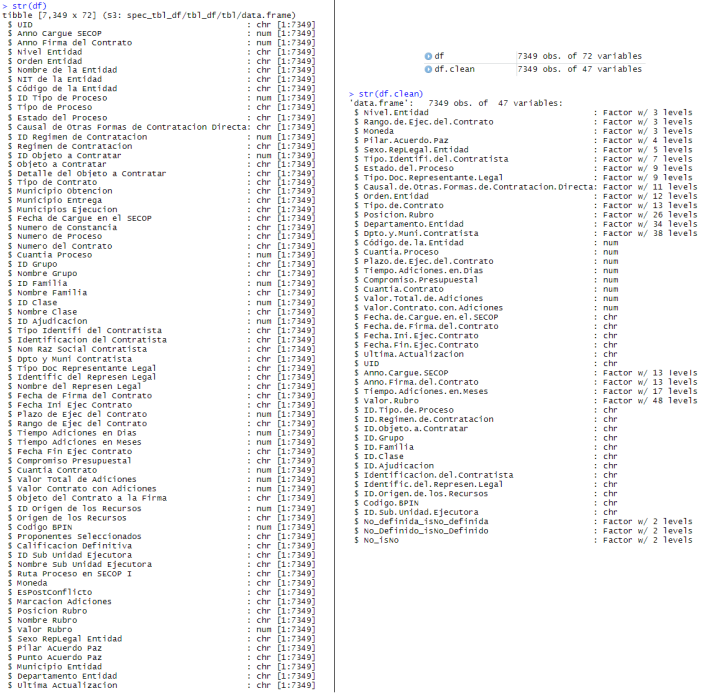
Author
Daniel Nieto-González - GitHub Profile - Send email
- CEO - Digital MedTools